



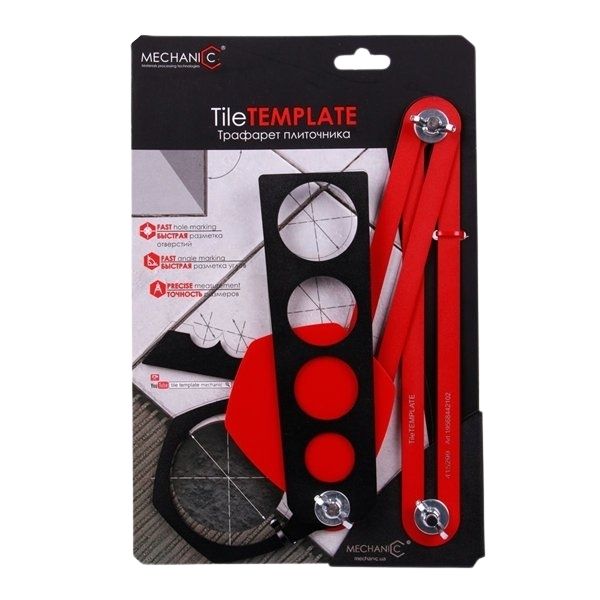
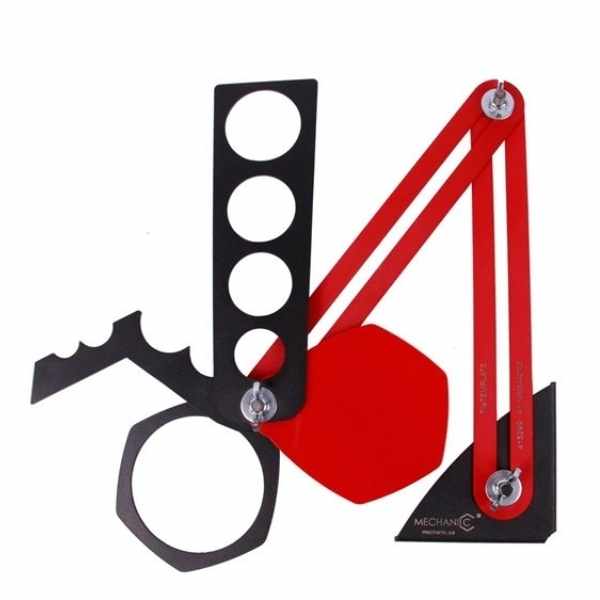

Mechanic TileTEMPLATE Layout Tool
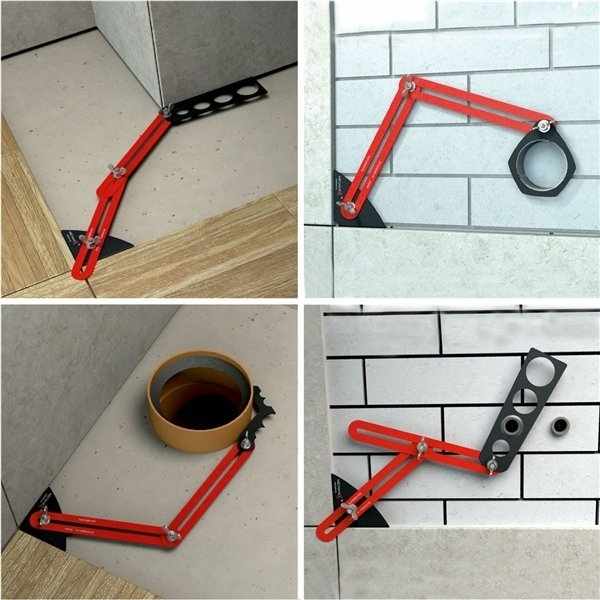
The Mechanic TileTEMPLATE transfers the positions of pipes, outlets, corners and other obstacles directly to tile. Its adjustable reference points retain the measured layout so the installer can mark the workpiece quickly and accurately with fewer repeated measurements.
Choose Standard or XL
Choose the Standard Template for everyday tile layout and compact work areas. Choose the XL Large Format Template for oversized tile and slab installations up to 118 x 79 in (300 x 200 cm). Both models are marking and layout tools; they do not cut or drill the tile.
Models and SKUs
| Model | SKU | Best Use | Capacity |
|---|---|---|---|
| Standard | 19568442102 | Everyday tile layout | Standard tile formats |
| XL | 71419031022 | Large-format tile and slabs | Up to 118 x 79 in |
How to Use the TileTEMPLATE
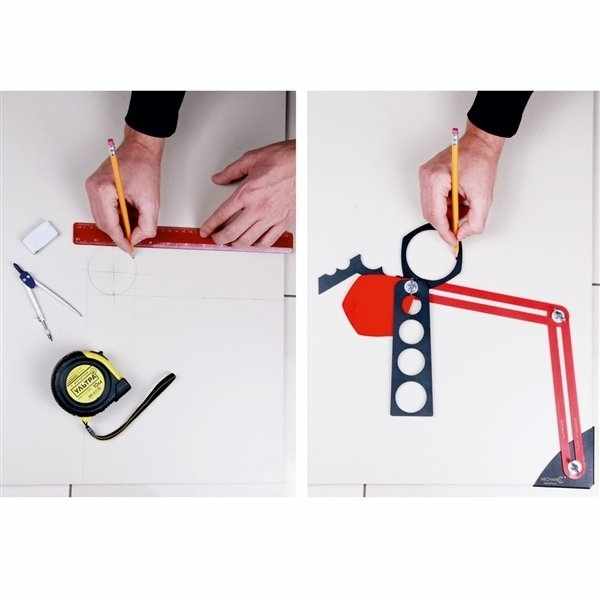
Place the reference points against the walls, pipes, outlets or corners that must be transferred. Lock or hold the layout, move the template to the tile and trace the corresponding positions before cutting or drilling. Confirm all measurements and follow the cutting-tool manufacturer’s safety instructions.
Mechanic TileTEMPLATE Videos
Mechanic TileTEMPLATE Layout and Marking Tool


There are no reviews yet.